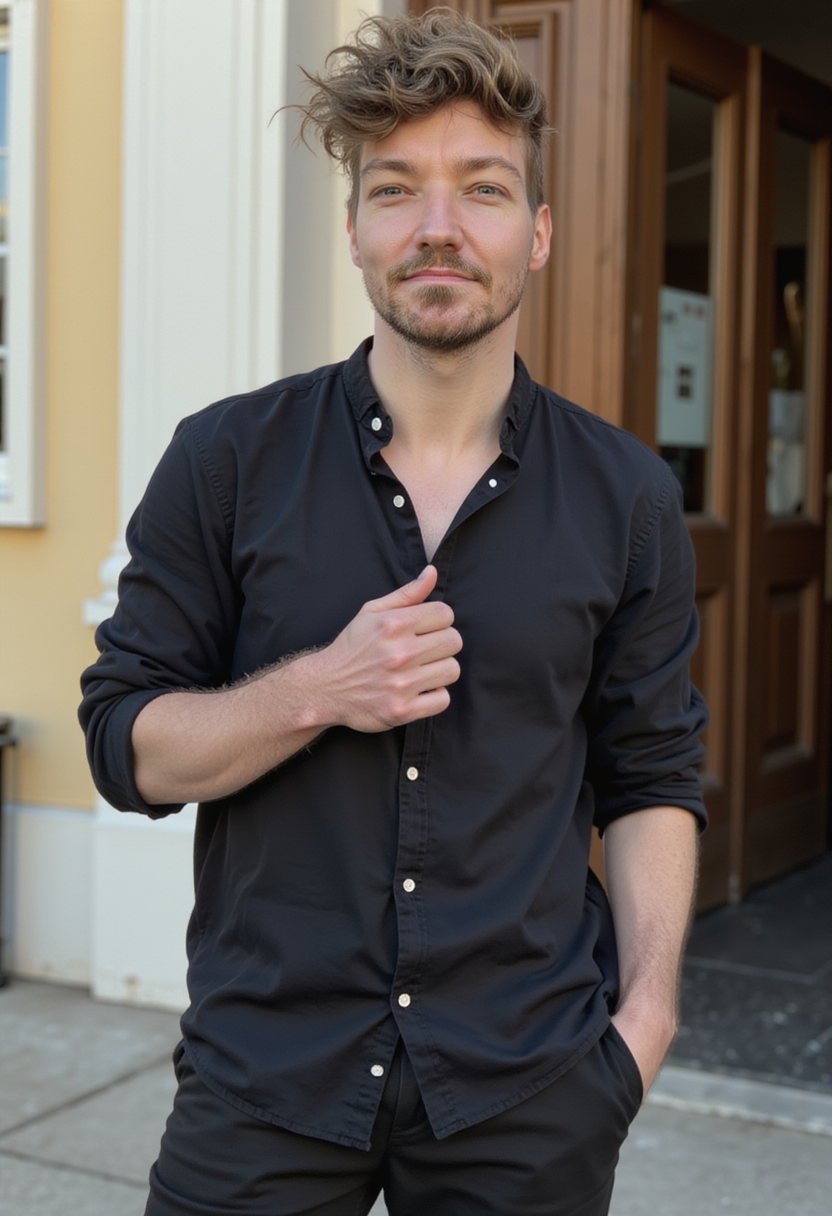
![{"Objective": "Create an ultra-realistic cinematic close-up winter portrait with a moody urban atmosphere, balancing cool winter tones and warm city light.", "Persona_Details": {"Subject": "Young adult man", "Facial_Features": {"Facial_Hair": "Light stubble", "Expression": "Calm, thoughtful", "Gaze": "Looking slightly upward"}, "Appearance_Interaction": {"Snow": "Soft snowflakes settling naturally on hair, scarf, and coat"}}, "Wardrobe": {"Outerwear": "Dark winter overcoat", "Accessory": "Thick knitted scarf", "Style": "Classic, understated winter fashion"}, "Scene_and_Environment": {"Location": "Outdoor winter city street at night", "Atmosphere": {"Snowfall": "Gentle, continuous snowfall", "Mood": "Quiet, reflective, cinematic"}, "Background": {"Lighting": "Warm golden street lamps", "Effect": "Soft circular bokeh highlights"}}, "Lighting_and_Mood": {"Key_Light": "Cool blue winter light illuminating the face", "Accent_Light": "Warm golden highlights from street lamps", "Contrast": "Cool-to-warm cinematic balance", "Mood": "Atmospheric, intimate, emotionally reflective"}, "Photography_Style": {"Genre": "Cinematic urban portrait", "Lens": "85mm", "Aperture": "f/1.8", "Depth_of_Field": "Shallow depth of field", "Framing": "Close-up portrait", "Focus": "Eyes and facial details razor-sharp with smooth background blur"}, "Color_and_Grading": {"Color_Grade": "Cinematic color grading", "Shadows": "Teal-blue winter tones", "Highlights": "Warm golden accents", "Overall_Palette": ["Cool blues", "Deep neutrals", "Warm amber highlights"]}, "Detail_and_Quality": {"Texture_Detail": ["Realistic skin texture", "Fine stubble detail", "Knitted fabric fibers", "Individual snowflakes"], "Realism_Level": "Photorealistic", "Quality": "Professional photography standard"}, "Quality_Tags": ["Ultra-realistic", "Photorealism", "Cinematic winter portrait", "Urban night atmosphere", "High-end editorial"], "Negative_Prompts": ["Text", "Logo", "Watermark", "Over-smooth skin", "Cartoon or illustration style", "Flat lighting", "Low resolution"], "Output_Constraints": {"Text_Overlay": false, "Branding": false, "Watermark": false}, "Response_Format": {"Type": "Single image", "Aspect_Ratio": "Portrait (4:5 or 3:4 recommended)", "Use_Case": "Cinematic portraiture, winter editorial, lifestyle storytelling"}} {"Objective": "Create an ultra-realistic cinematic close-up winter portrait with a moody urban atmosphere, balancing cool winter tones and warm city light.", "Persona_Details": {"Subject": "Young adult man", "Facial_Features": {"Facial_Hair": "Light stubble", "Expression": "Calm, thoughtful", "Gaze": "Looking slightly upward"}, "Appearance_Interaction": {"Snow": "Soft snowflakes settling naturally on hair, scarf, and coat"}}, "Wardrobe": {"Outerwear": "Dark winter overcoat", "Accessory": "Thick knitted scarf", "Style": "Classic, understated winter fashion"}, "Scene_and_Environment": {"Location": "Outdoor winter city street at night", "Atmosphere": {"Snowfall": "Gentle, continuous snowfall", "Mood": "Quiet, reflective, cinematic"}, "Background": {"Lighting": "Warm golden street lamps", "Effect": "Soft circular bokeh highlights"}}, "Lighting_and_Mood": {"Key_Light": "Cool blue winter light illuminating the face", "Accent_Light": "Warm golden highlights from street lamps", "Contrast": "Cool-to-warm cinematic balance", "Mood": "Atmospheric, intimate, emotionally reflective"}, "Photography_Style": {"Genre": "Cinematic urban portrait", "Lens": "85mm", "Aperture": "f/1.8", "Depth_of_Field": "Shallow depth of field", "Framing": "Close-up portrait", "Focus": "Eyes and facial details razor-sharp with smooth background blur"}, "Color_and_Grading": {"Color_Grade": "Cinematic color grading", "Shadows": "Teal-blue winter tones", "Highlights": "Warm golden accents", "Overall_Palette": ["Cool blues", "Deep neutrals", "Warm amber highlights"]}, "Detail_and_Quality": {"Texture_Detail": ["Realistic skin texture", "Fine stubble detail", "Knitted fabric fibers", "Individual snowflakes"], "Realism_Level": "Photorealistic", "Quality": "Professional photography standard"}, "Quality_Tags": ["Ultra-realistic", "Photorealism", "Cinematic winter portrait", "Urban night atmosphere", "High-end editorial"], "Negative_Prompts": ["Text", "Logo", "Watermark", "Over-smooth skin", "Cartoon or illustration style", "Flat lighting", "Low resolution"], "Output_Constraints": {"Text_Overlay": false, "Branding": false, "Watermark": false}, "Response_Format": {"Type": "Single image", "Aspect_Ratio": "Portrait (4:5 or 3:4 recommended)", "Use_Case": "Cinematic portraiture, winter editorial, lifestyle storytelling"}}](https://resizeapi.com/resize-cgi/image/format=jpeg,fit=cover,width=200,quality=50/https://r2-us-west.photoai.com/public/1787146503-e07e4a131fdc9bc155deb618f5cd387a-1.png)

Photo AI™ is a registered trademark. Formerly known as Avatar AI. ©2026. Terms of Service and Privacy Policy.
Day of the Dead (Día de Los Muertos)
Nano Banana Pro Mega Pack 250+
See what you and your partner would look building a family
AI Baby Generator - Predict what you and your boyfriend's baby will look like
AI Age Filter - See Yourself Younger or Older
AI Age Filter (Fit) - See Yourself Older If You Stay Fit
Turn yourself into a T-Pose 3D Model for Mixamo Rigging
The World's First AI Model Agency
Corporate Headshots for Your Team
Startup Headshots for Your Team
How do I cancel my subscription?
How to make AI couple photos (like you and your boyfriend or girlfriend together) with Photo AI
Who created Photo AI? Meet Pieter Levels, the Founder
Combine Photos with AI — Merge People Into One Photo
Photo AI's Affiliate Program: Earn free credits
Generate AI photos and videos of yourself
How much does it cost to generate on Photo AI, and how do credits work?
Photo AI's Free Photos - What You Get & How To Start
Seedance 2.5 on Photo AI: make AI videos of yourself with ByteDance's newest video model
Uncrop & expand images with Photo AI's Zoom Out feature
How to make AI influencers with Photo AI?
Photo AI Pricing — Plans, Cost & What's Included
I cancelled Photo AI but am still being charged
Batch Image-to-Image - Edit Multiple Photos at Once with AI
How does Photo AI's AI Photo & Video Generator work?
Batch Try On Clothes with Photo AI
How to take a batch of photos with multiple prompts for bulk image generation?
How to edit your photos with AI
Turn images into stunning AI videos with Photo AI
What type of photos should I upload for creating an AI model?
Generate a 3D model from a photo with Photo AI
How do I report a bug or request a new feature?
Is Photo AI for sale? Can I acquire it?
Upscale your AI photos and videos with one click in Photo AI
How to avoid getting d0xed with AI GeoGuessr by using Photo AI's Anti-AI GeoGuessr
How to create talking AI videos with Photo AI?
How do I get 6+ months free on Photo AI when signing up?
How much will my AI photos look like me?
5 Best AI Avatar Generators of 2025
My payment card is not accepted when signing up
I accidentally signed up for the yearly plan, but I want monthly
Do you have an affiliate program?
Nano Banana Pro image generator on Photo AI
How to remove unwanted objects from AI photos
Can I use Photo AI photos commercially?
How to create AI Thumbnails for YouTube with Photo AI
Can I use Photo AI to put clothes on models for my Shopify store?
What file formats of photos do you accept for creating an AI model?
What payment methods do you accept?
How to change my account email?
I generated a photo with Nano Banana Pro but it shows as Hyper Realism, why?
I used the wrong card and want a refund and switch it to my company card
How to change background of your photos with AI?
Will my AI photos have artefacts?
How do I get a receipt and invoice for my payment?
Generate virtual try ons on with real models: boost your e-commerce store with Photo AI
How do I upgrade or downgrade my plan?
How long does it take to take an AI photo?
How long will it take to create my AI model?
How to change my invoice details like name, address and Tax ID?
How to take photos with multiple people in them?